
StyxView Overview
StyxView brings external threat monitoring, risk scoring, and response together in one place. This page describes how it works, what each solution contains, and the features every solution shares.
How StyxView Works
Section titled “How StyxView Works”- Map. You list the companies, executives, and third parties to monitor, with their domains and other assets, in Policies. StyxView adds the internet-facing assets it discovers across your domains, such as hosts, IP addresses, certificates, and web technologies.
- Detect and analyse. StyxView monitors those assets and searches the open web and the dark web. Each threat it finds, such as a lookalike domain, an impersonating account, a leaked credential, or a vulnerable host, becomes a finding with a severity. Findings feed your Digital Risk Score, shown as "Risk Score" in the menu.
- Respond. Your team assigns and updates findings, marks false positives, and requests takedowns from the Styx team through Response Actions.
Solutions and Modules
Section titled “Solutions and Modules”The sidebar shows the solutions the selected account has. Your group can narrow this further. See Groups.
Company Protection
Section titled “Company Protection”Monitors your own organisation. "Risk Score" shows its Digital Risk Score. See Company Protection Overview.
| Module | What it contains |
|---|---|
| Attack Surface Management | Monitored Assets, Asset Reputation, DNS Health Issues, Network Security, AppSec & Vulnerabilities, and TLS/SSL Certificate Issues. |
| Brand Protection | Domain Impersonation, Account Impersonation, Rogue Mobile Apps, Unauthorized Job Postings, Scam Exposition Websites, Triage & Watchlist, and Response Actions. |
| Data Leakage & Dark Web Detection | User Accounts, Exposed Credentials, Stealer Logs, Advanced Stealer Logs, Mentions, Payment Card Data, Secret Leaks, and Surface Web Exposure. |
| Social & News Monitoring | Social & News Content: posts and articles that mention your organisation. |
Domain Impersonation covers lookalike domains, phishing and evil-twin websites, logo matches, and web referral and web beacon monitoring. Response Actions is where you request and track takedowns. See Response Actions / Takedowns.
Executive Protection
Section titled “Executive Protection”Monitors the exposure and impersonation of named executives, one policy per executive. "Summary" covers all executives. Each executive has Overview, Alerts, Account Impersonation, Compromised Accounts, Accounts Monitored, Credential Snippets, Other Mentions, Negative Sentiments, Adverse Media, Social & News Analytics, and Social & News (ALL). See Executive Protection.
Third Party Risk
Section titled “Third Party Risk”Scores and monitors the security posture of your third parties. It has an Overview, the list of Third Parties, a Risk Register, and Questionnaires. Each third party has its own Overview, Risk Score, Assets, Risks, and Documents. Admins build questionnaires in the TPRM Questionnaire Library. See Third Party Risk Management.
Cyber Insights
Section titled “Cyber Insights”Threat intelligence for your security team: Overview, News Feed / Advisories, Vulnerabilities, Breaches, Threat Actors, and IOC Files. IOC Files is for Admins only. See Cyber Insights.
Features Across Solutions
Section titled “Features Across Solutions”| Feature | What it does |
|---|---|
| Dashboard | Summarises risk across the selected account. |
| Findings | Lists every finding in one place, with filters and actions. |
| Alerts | Lists the alerts StyxView raises. Admins tune them with alert rules and subscriptions. |
| Reports | Generates and schedules reports. |
| Iris | AI assistant that answers questions about your data. |
| Integrations | Connects StyxView to your ticketing and other tools. Admins only. |
| Subscriptions | Shows your plan's allowances and usage. Admins only. |
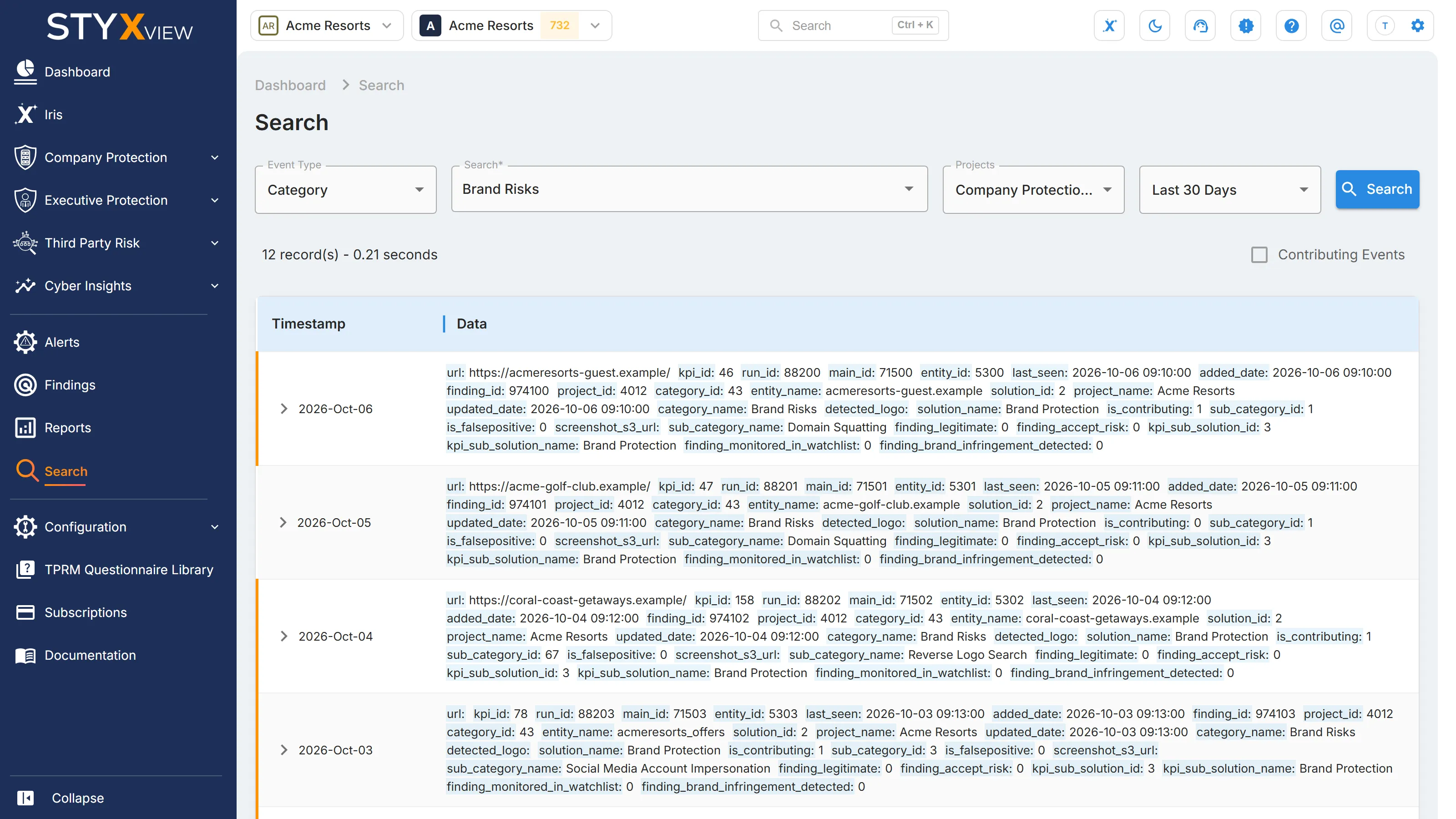
| Search | Searches the events StyxView has collected, by "Event Type", keyword, and project. |