

Attack Surface Management
Overview
Section titled “Overview”Attack Surface Management (ASM) keeps an inventory of your organization's internet-facing assets and checks them for exposures: misconfigured DNS and email authentication, blocklisted addresses, risky open ports, weak SSH settings, known vulnerabilities, missing security headers, and certificate problems. Each problem it finds is a finding you can triage, assign, and track to closure.
Where to find it
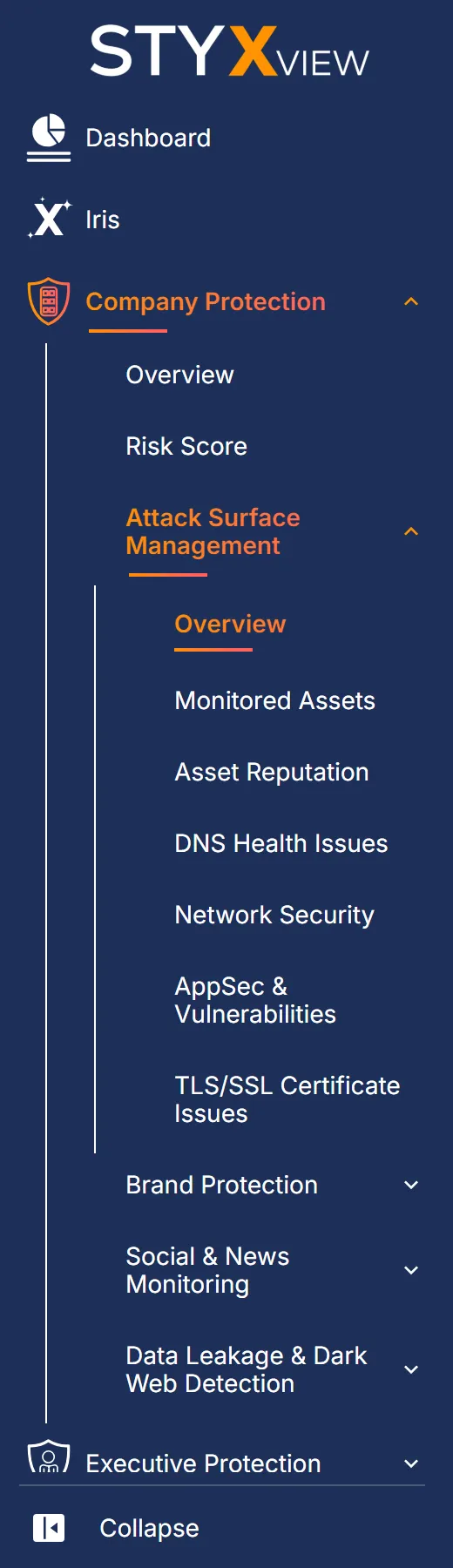
Section titled “Where to find it”Open "Company Protection" > "Attack Surface Management". The menu has these pages:
| Menu item | What it shows |
|---|---|
| Overview | Counts and charts across everything below. See ASM Overview. |
| Monitored Assets | The asset inventory, one tab per asset type. |
| Asset Reputation | Assets on blocklists, and defaced websites. |
| DNS Health Issues | Problems with DNS and email authentication records. |
| Network Security | Potentially insecure open ports and weak SSH settings. |
| AppSec & Vulnerabilities | Known vulnerabilities and missing website security headers. |
| TLS/SSL Certificate Issues | Certificate problems such as expiry, name mismatch, and weak protocols. |
When Attack Surface Management is not currently collecting for your account, an amber icon appears at the end of the breadcrumb row on these pages. Hover over it for the explanation, and contact the StyxView Support Team for details.
What it inventories
Section titled “What it inventories”"Monitored Assets" lists what StyxView tracks for you, in these tabs:
- Hosts, Domains, and IP Addresses.
- SPF Records, DKIM Records, DMARC Records, and Domain Hygiene for each domain.
- TLS/SSL Certificates and "Web Server Technologies".
- Mobile Apps and Social Media, from the apps and accounts listed in your policy.
- Informational Websites, Input Forms, and SaaS Applications.
Monitoring starts from the domains, hosts, IP addresses, social media accounts, and mobile apps in your Company Protection policy. Keep them current under "Configuration" > "Policies". See Policies.
What it detects
Section titled “What it detects”| Page | Findings |
|---|---|
| Asset Reputation | Blocklisted Assets and Defaced Assets. |
| DNS Health Issues | Missing or duplicate SPF and DMARC records, missing DKIM records, weak SPF settings, missing backup mail or name servers, and mail server reverse DNS mismatches. See DNS Health Issues. |
| Network Security | Potentially Insecure Ports, also grouped by host or IP address, and Insecure Protocols offered over SSH. |
| AppSec & Vulnerabilities | Vulnerabilities, also grouped by CVE and by server, and Website Header Issues. |
| TLS/SSL Certificate Issues | Expired, expiring, mismatched, self-signed, and weakly configured certificates. See TLS/SSL Certificate Issues. |
Acting on findings
Section titled “Acting on findings”On the finding grids, select one or more rows, then "Actions" to update the status, assign the findings, comment, mark them as false positives, or accept the risk. Each finding page explains the steps. All findings also appear on the Findings page.
Open findings feed your Digital Risk Score. See Risk Score Overview. To be notified of new findings, set up alerts under "Configuration" > "Alerts". See Alerts.
Third parties
Section titled “Third parties”The same checks run on the third parties you monitor. Under "Third Party Risk", each third party has "Assets" and "Risks" pages with most of the same tabs, limited to that third party's assets.