
Introduction
StyxView is the digital risk platform from Styx Intelligence. It watches the risks that sit outside your network: your internet-facing assets, lookalike domains and impersonating accounts, leaked credentials and dark web mentions, your executives' exposure, and the security of your third parties. It turns what it finds into findings and alerts, scores your risk, and gives your team the tools to respond.
Why External Risk Matters
Section titled “Why External Risk Matters”Firewalls, endpoint tools, and internal monitoring cover what you run. They do not see a phishing site built on a lookalike of your domain, a fake profile of your CEO, employee credentials posted on the dark web, or a breach at one of your third parties. Each of these can cost customer trust, brand value, or money, and each starts outside your perimeter.
What StyxView Covers
Section titled “What StyxView Covers”StyxView is organised into four solutions:
- Company Protection monitors your organisation through four modules: Attack Surface Management, Brand Protection, Data Leakage & Dark Web Detection, and Social & News Monitoring.
- Executive Protection monitors the exposure and impersonation of named executives.
- Third Party Risk scores and monitors your third parties and runs security questionnaires.
- Cyber Insights tracks news, advisories, vulnerabilities, breaches, and threat actors.
StyxView Overview describes each solution and the features they share.
How Your Team Uses It
Section titled “How Your Team Uses It”- Detect: StyxView monitors the assets in your policies and searches the open web and the dark web for threats against them.
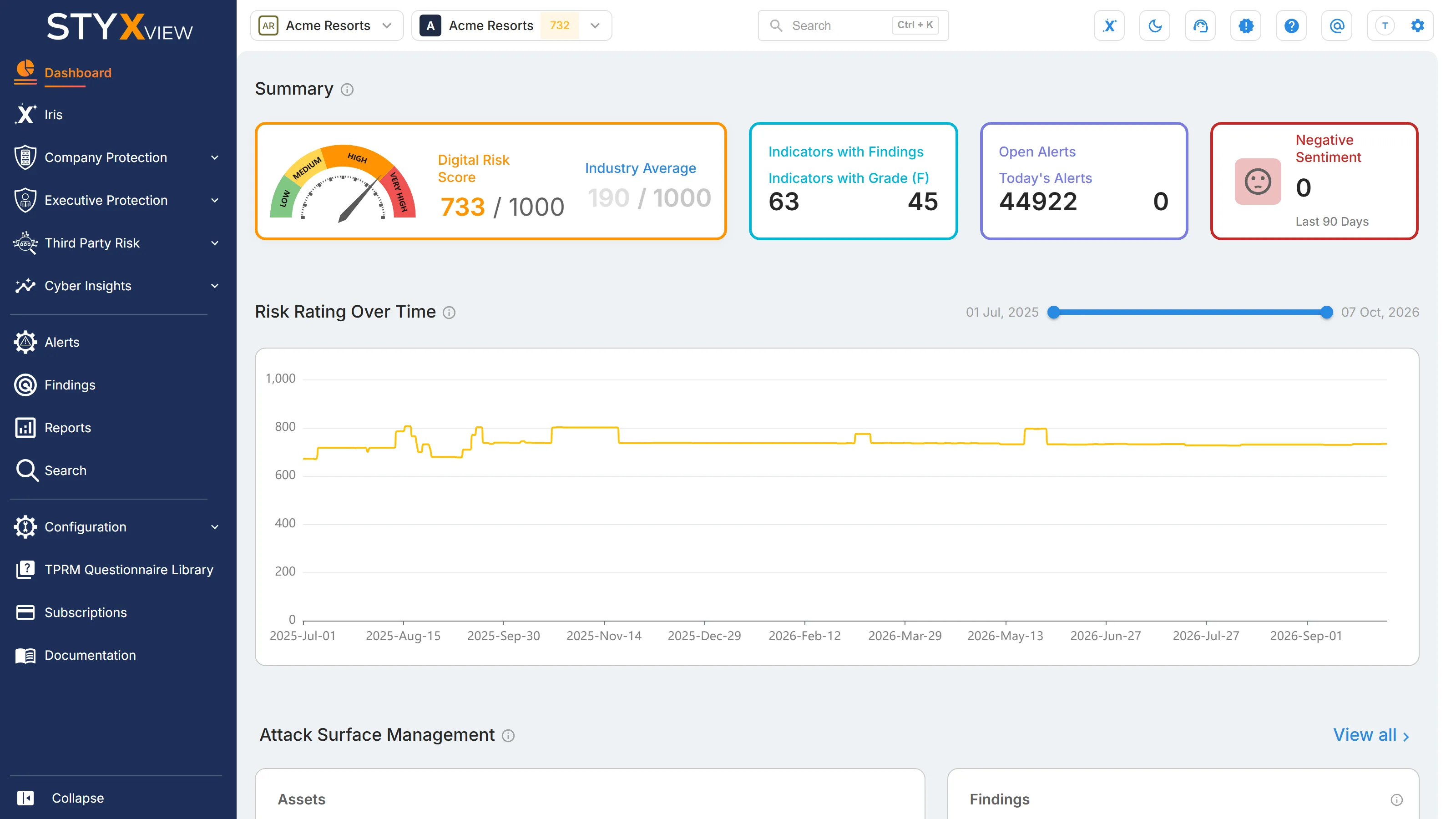
- Analyse: each threat becomes a finding with a severity, and your Digital Risk Score sums up your exposure. Iris, the AI assistant, answers questions about your data.
- Respond: assign and update findings, mark false positives, request takedowns through Response Actions, and share Reports.
Where to Start
Section titled “Where to Start”- Login and User Roles: sign in and set up two-factor authentication.
- Accounts and Policies: tell StyxView what to monitor. Admins only.
- Users and Groups: invite your team and set their access. Admins only.
- Dashboard Overview: read your risk at a glance.
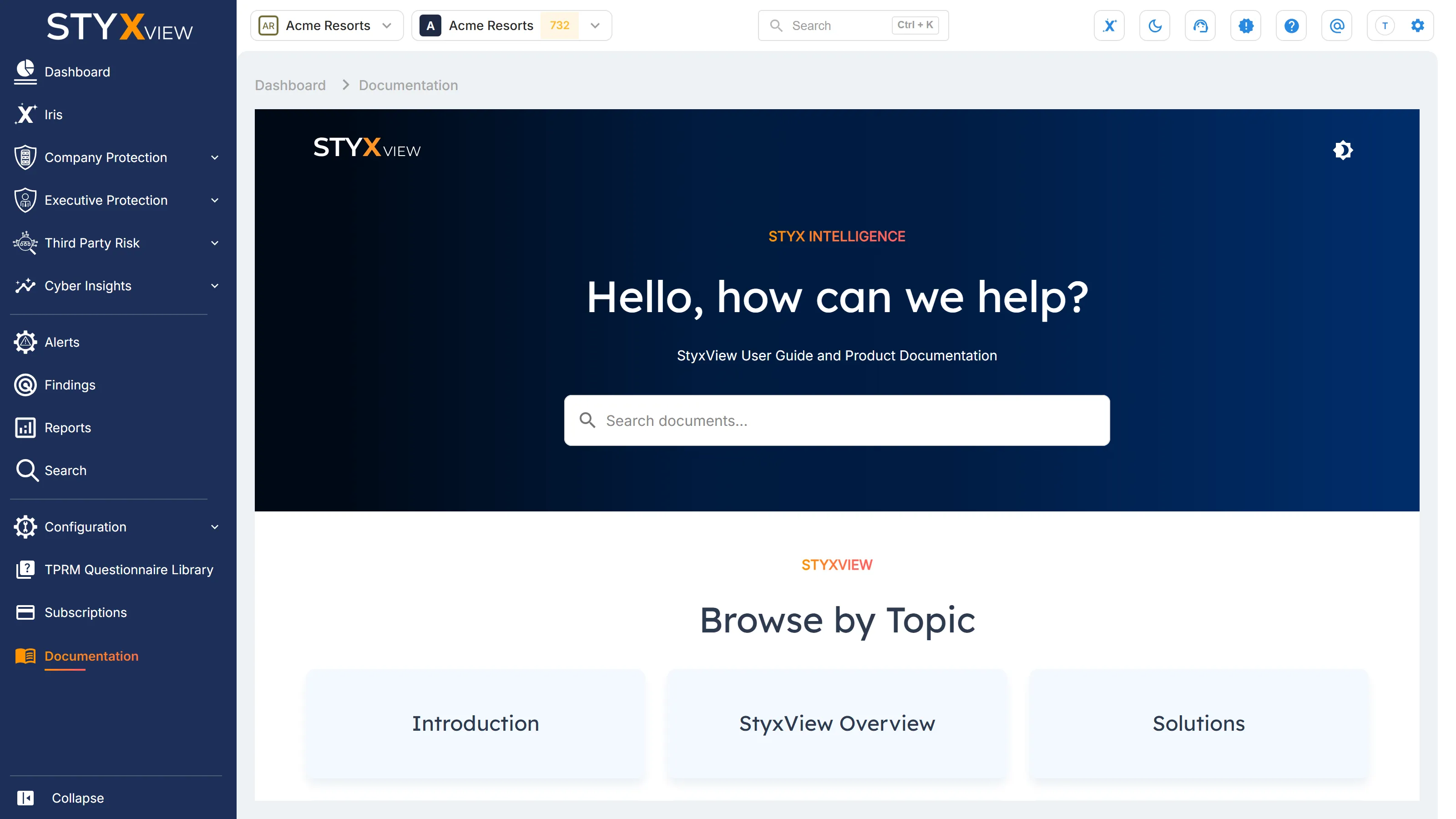
You can also read this documentation inside StyxView: select "Documentation" in the sidebar.