

Accept Risk
"Accept Risk" records a decision to leave a real issue unfixed: your team understands the risk and accepts it, for now or for good. For example, a legacy server that accepts an old TLS version until it is retired, or a port that must stay open for a supplier's system. The finding is not a mistake, so do not use "Mark as False Positive".
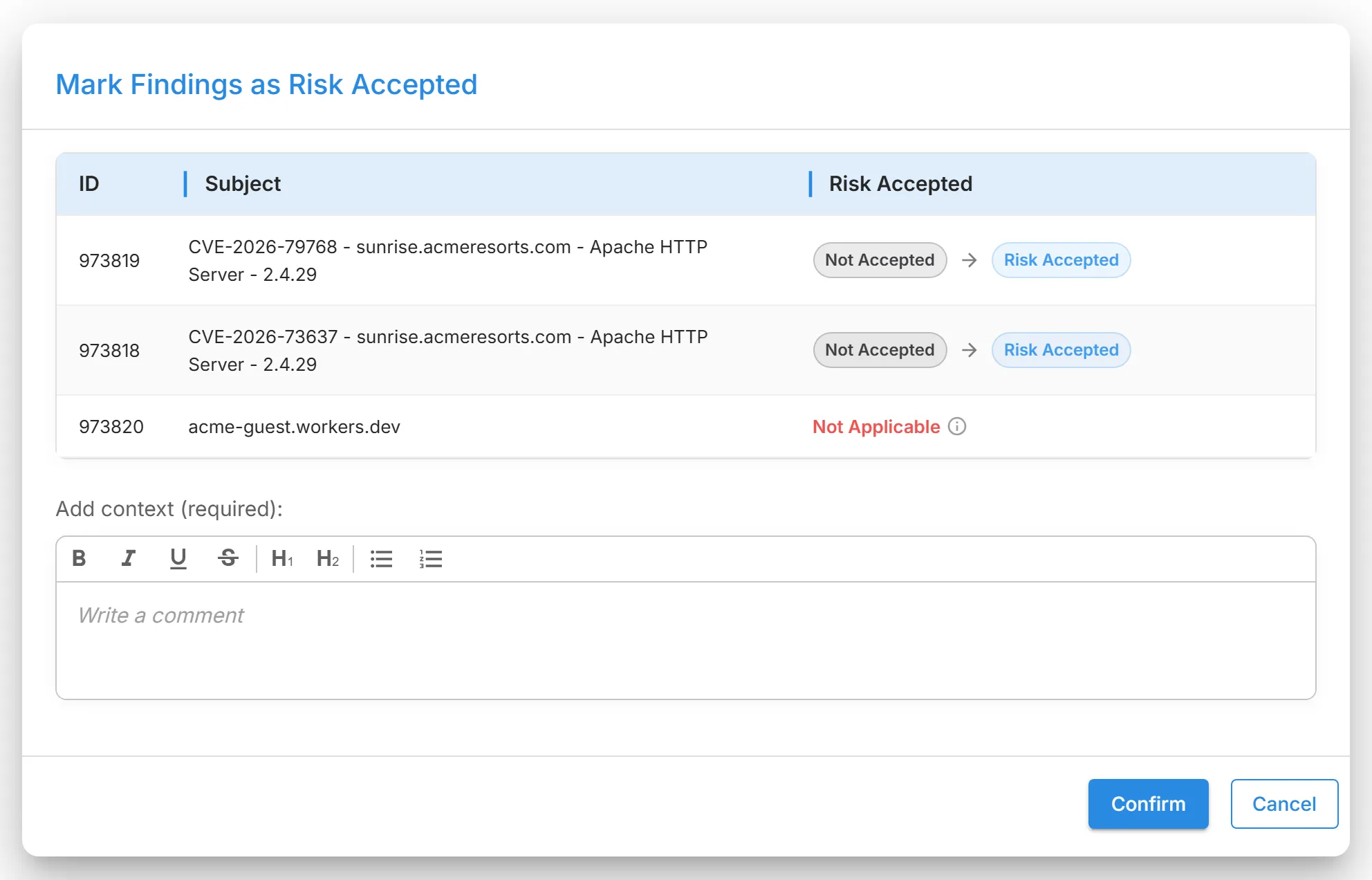
- Status: becomes "Closed Without Action". The finding gets the "Risk Accepted" mark and leaves the watchlist.
- Score and severity: the finding stops counting toward the Digital Risk Score, because its status is closed. Severity does not change.
- Default views: the finding leaves the default open view. Unlike a false positive, it is not filtered out: choose "Closed Without Action" in "Status" to see it. Scans keep detecting it.
- Where: Attack Surface Management findings only (TLS/SSL Certificate Issue, Potentially Insecure Port, Blocklisted Asset, DNS Health Issue, Vulnerability, Website Header Issue, and SSH Connection Issue), in their grids, on the Findings page, and on their detail pages.
- Who: every role in a grid; Admins and Analysts on a detail page.
- Undo: "Undo Accept Risk". The finding reopens with the status "Reappeared", counts toward the score again, and is put on the watchlist, so it also appears in Triage & Watchlist.
Example: a booking server that is retired on 30 November still accepts TLS 1.0. Accept the risk with "Legacy booking server, retired 30 November, change 2291".
Where finding actions live, and what holds for every one of them: Finding Actions.