

Cyber Insights
Cyber Insights is StyxView's view of the wider threat landscape: newly published vulnerabilities, cybersecurity news and advisories, publicly reported data breaches, ransomware activity, and threat groups. It is not limited to your own assets. It shows what is happening across the landscape, so that you can judge what might affect your organisation.
Cyber Insights appears in the sidebar when your subscription includes it.
Where to find it
Section titled “Where to find it”In the sidebar, open Cyber Insights:
| Menu item | What it shows | Pages |
|---|---|---|
| "Overview" | Recent CVEs, ransomware victims by group, and a map of ransomware victims. | Cyber Insights Overview |
| "News Feed / Advisories" | The "Trending News" and "Past News And Advisories" tabs. | Trending News, Past News and Advisories |
| "Vulnerabilities" | The "CVEs", "Vendors And Products", and "Watchlists" tabs. | CVEs, Vendors And Products, Watchlists |
| "Breaches" | Data breaches reported publicly. | Breaches |
| "Threat Actors" | The "Ransomware" and "Threat Groups" tabs. | Ransomware, Threat Groups |
| "IOC Files" | Indicator of compromise (IOC) export files to download. Shown to users with the Admin role. |
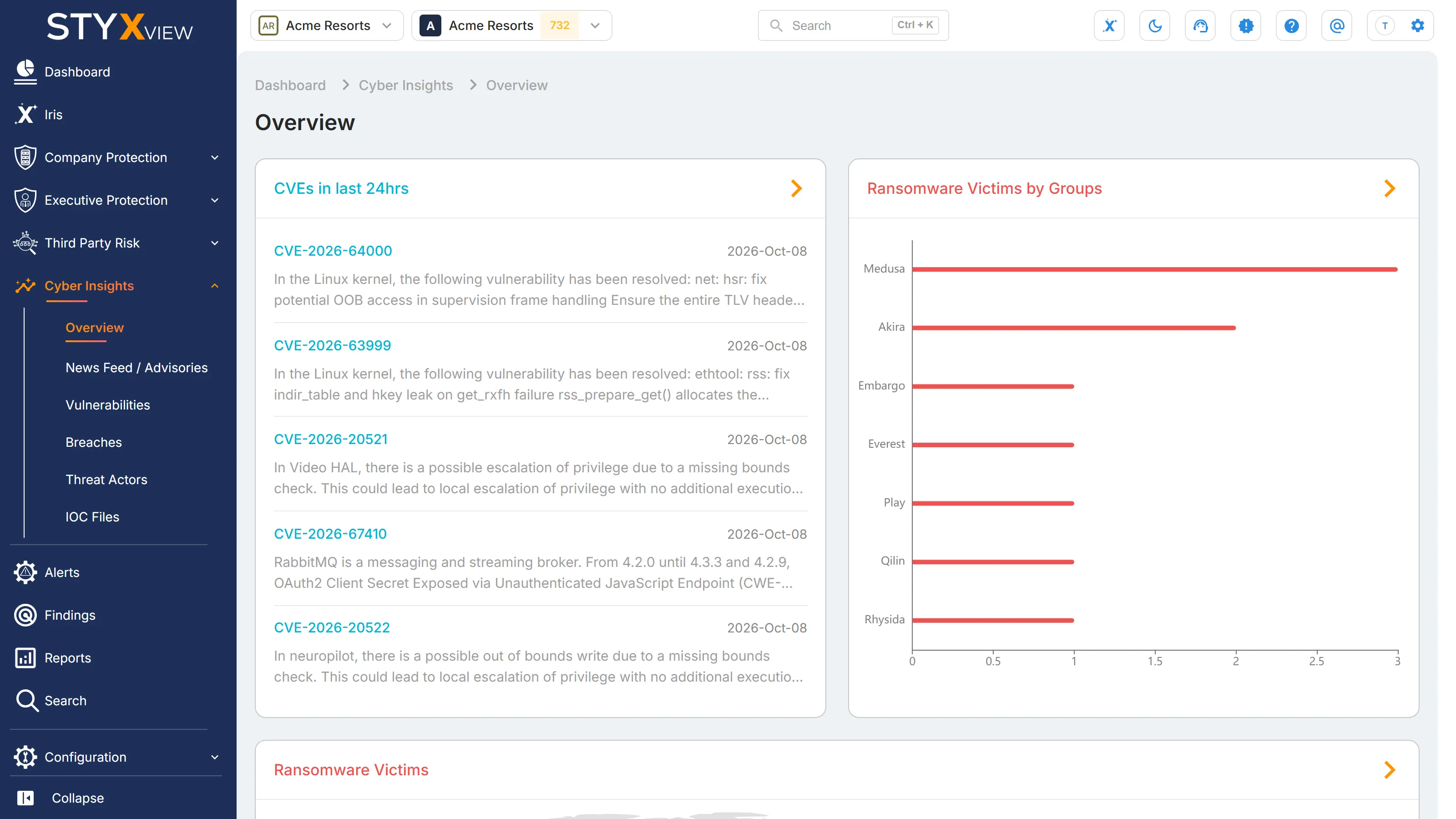
Use cases
Section titled “Use cases”- Patching priorities. Check new Common Vulnerabilities and Exposures (CVE) entries and their scores against the software you run, and keep the vendors and products you rely on in a watchlist.
- Current threats. Read the cybersecurity stories in the news now, and search past news and advisories by sector, country, region, and threat type.
- Ransomware activity. See which ransomware groups are naming the most victims, and in which countries and industries.
- Breach awareness. Review publicly reported breaches by industry, organisation type, and country, including breaches at organisations you work with.
- Threat group profiles. See where threat groups are assessed to operate from, the names they go by, and the countries and industries they target.
- Indicators for your own tools. Admin users can download IOC export files from "IOC Files".