
Data Leakage & Dark Web Detection Overview
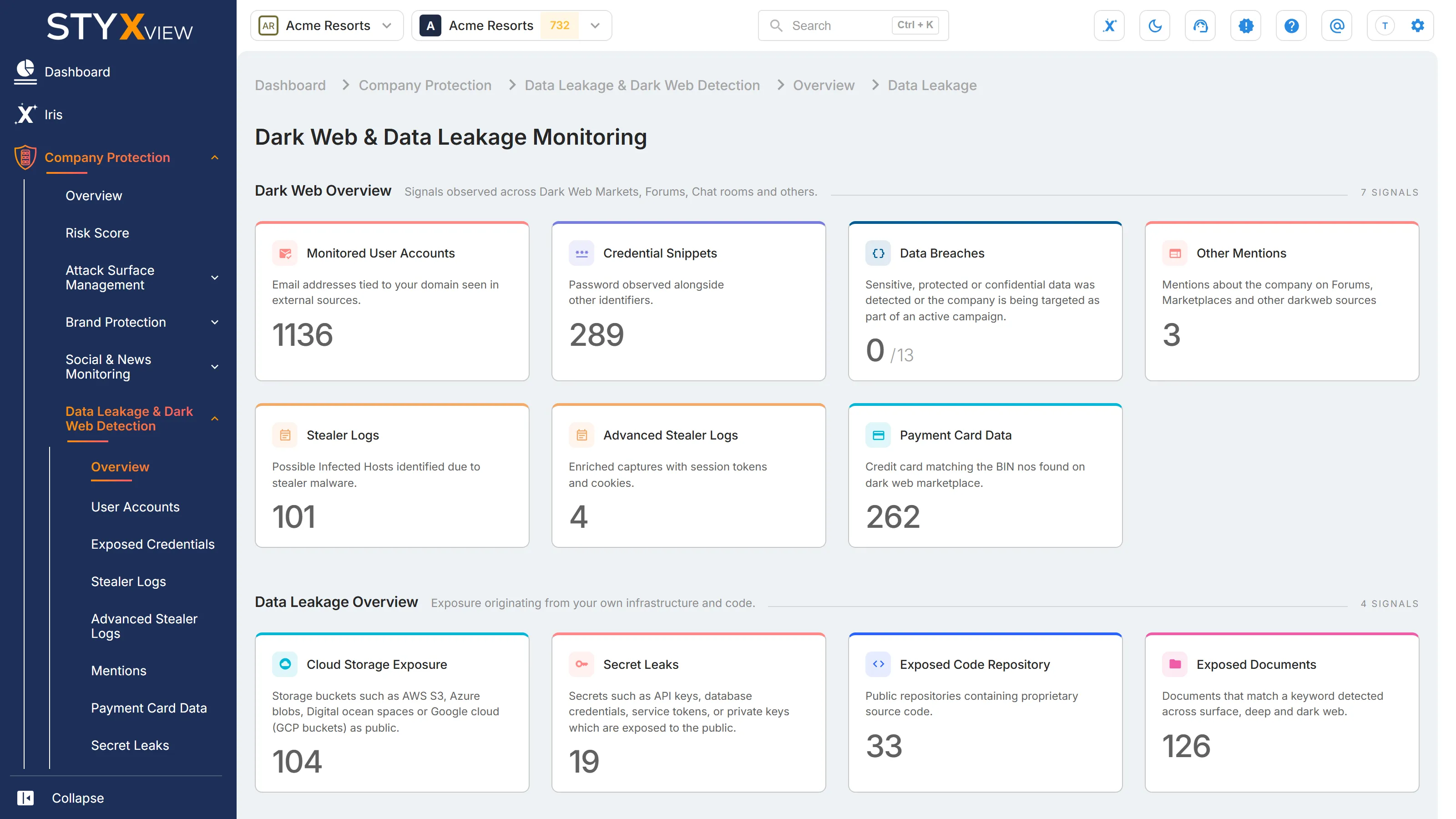
The overview shows how much exposure Data Leakage & Dark Web Detection has found for your organization, with one card for each type. Select a card to open its list.
Where to find it
Section titled “Where to find it”Select "Company Protection" > "Data Leakage & Dark Web Detection" > "Overview". The page is titled "Dark Web & Data Leakage Monitoring" and groups its cards into two sections.
Unless a card says otherwise, it counts open records only. It leaves out records that are closed and records marked as false positives. For what open means in each list, see Statuses.
Dark Web Overview
Section titled “Dark Web Overview”Signals from dark web markets, forums, chat rooms, and other sources.
| Card | What it counts | Opens |
|---|---|---|
| "Monitored User Accounts" | Email addresses StyxView monitors for your domains, not counting addresses marked "Inactive". | Compromised Accounts |
| "Credential Snippets" | Open credential snippets. | Snippets |
| "Data Breaches" | Your monitored domains that appear in a known breach, out of all your monitored domains, for example "1 / 12". | Breach Mentions |
| "Other Mentions" | Open mentions of your organization. | Other Mentions |
| "Stealer Logs" | Open records from infostealer malware logs. | Cookies, the first Stealer Logs tab |
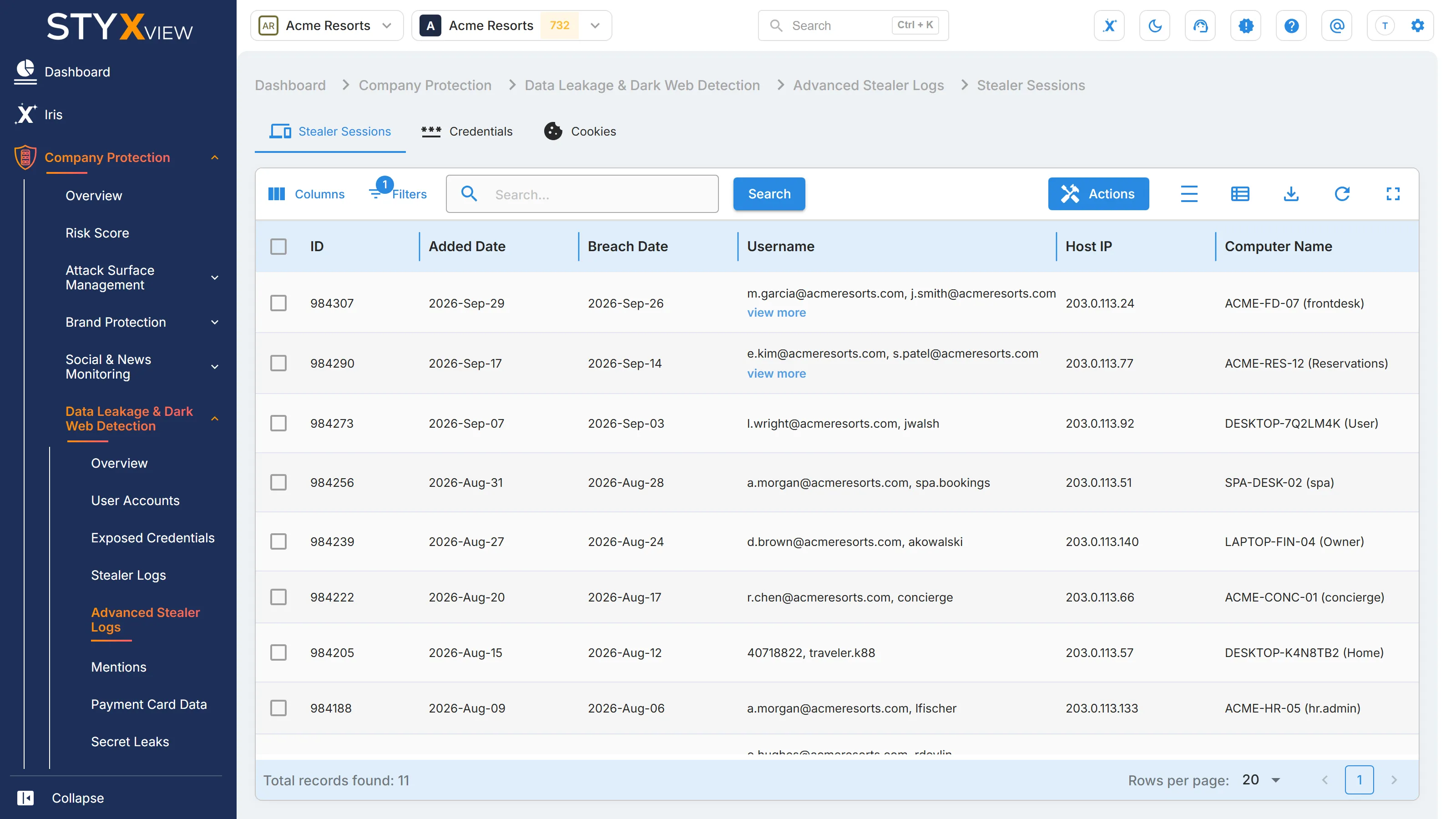
| "Advanced Stealer Logs" | Open stealer sessions. Shown when your subscription includes Advanced Stealer Logs. | The "Advanced Stealer Logs" page |
| "Payment Card Data" | Open records of payment cards that match your BINs. | Payment Card Data |
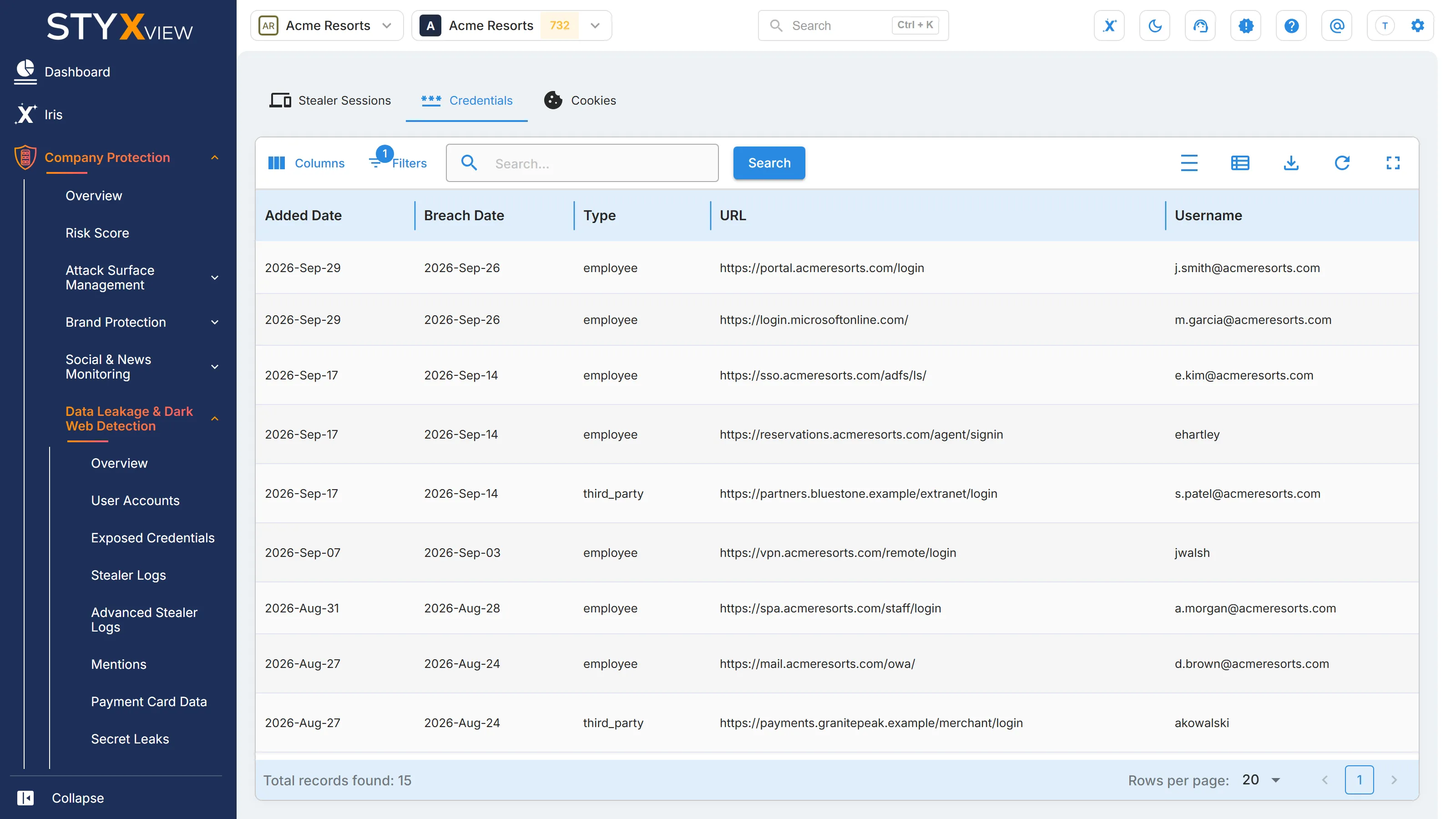
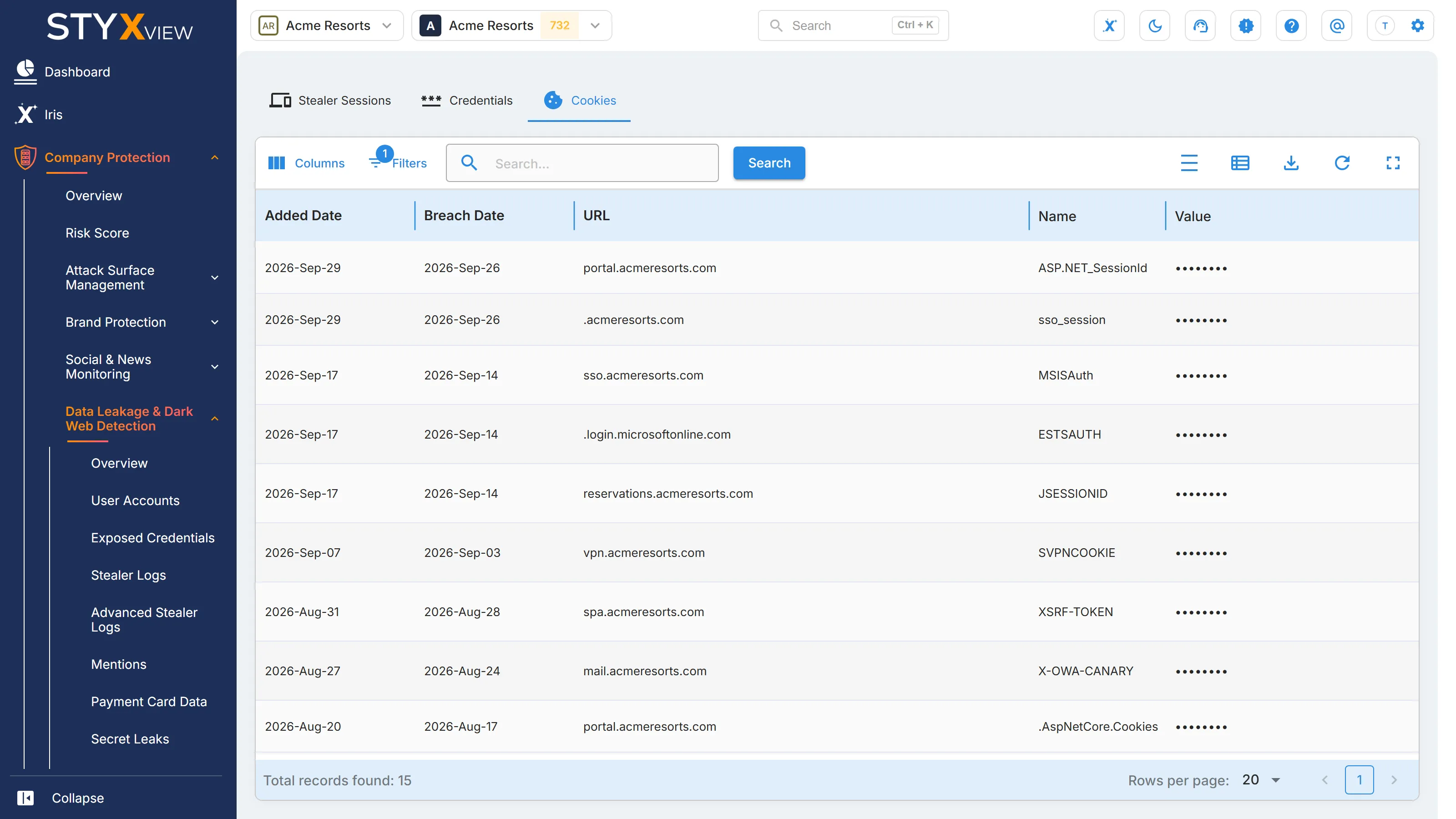
The "Advanced Stealer Logs" page has three tabs: "Stealer Sessions" lists each infected device session, "Credentials" lists the credentials taken in those sessions, and "Cookies" lists the browser cookies taken.
Data Leakage Overview
Section titled “Data Leakage Overview”Exposure that comes from your own infrastructure and code.
| Card | What it counts | Opens |
|---|---|---|
| "Cloud Storage Exposure" | Open exposed cloud resources. | Cloud Resources |
| "Secret Leaks" | Open exposed secrets. | Secret Leaks |
| "Exposed Code Repository" | Open code repository exposures. | Code Repositories |
| "Exposed Documents" | Open exposed documents. | Documents |
Third-party overview
Section titled “Third-party overview”A third party has its own overview. Select "Third Party Risk", the third party, then "Risks" > "Data Leakage & Dark Web Detection" > "Overview". It has two sections.
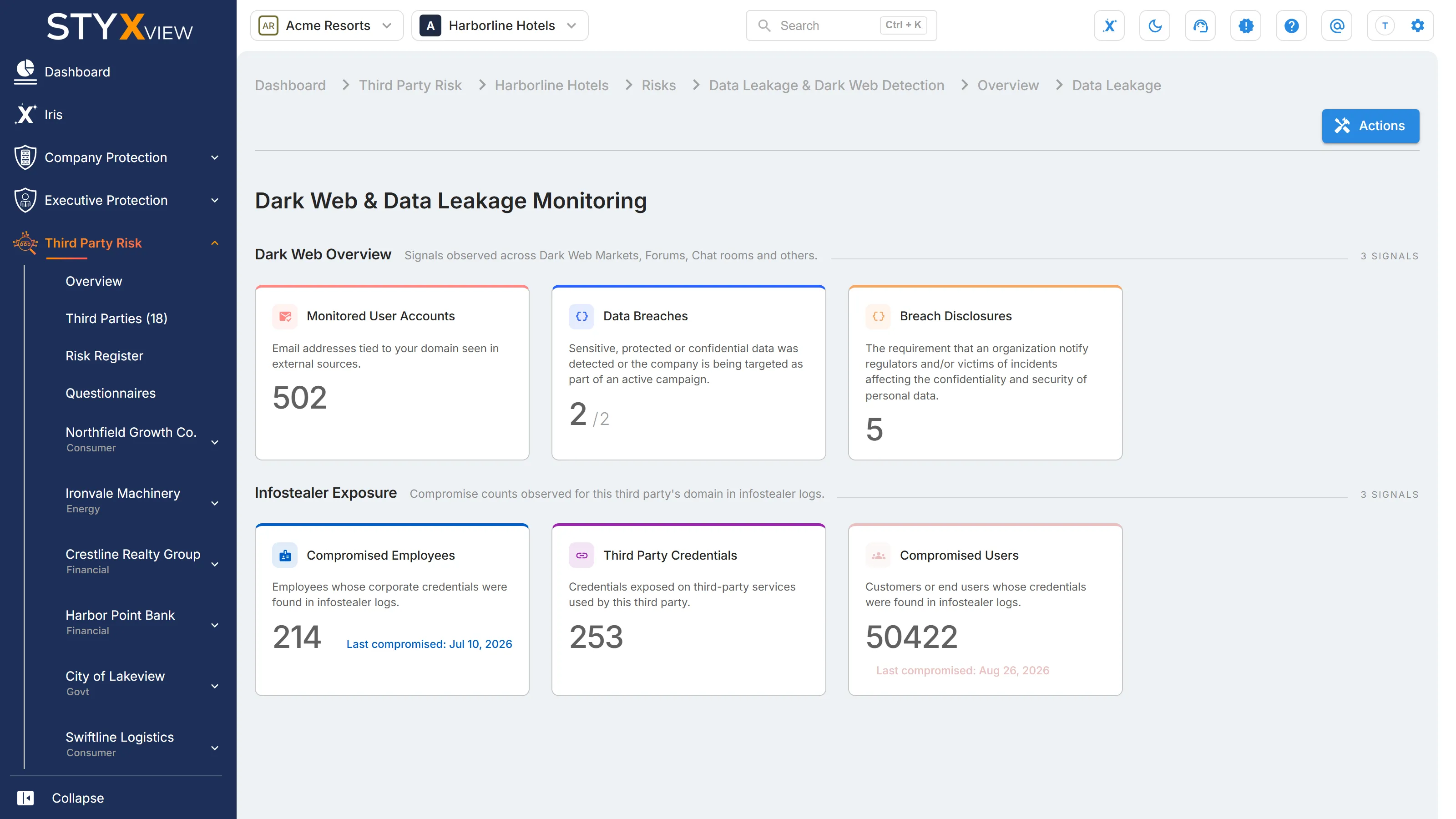
"Dark Web Overview":
| Card | What it counts | Opens |
|---|---|---|
| "Monitored User Accounts" | Email addresses StyxView monitors for the third party's domains. | The third party's Compromised Accounts |
| "Data Breaches" | The third party's domains that appear in a known breach, out of all its monitored domains. | The third party's Breach Mentions |
| "Breach Disclosures" | Breach disclosures recorded for the third party. | The third party's "Breach Disclosure" page |
"Infostealer Exposure" counts what infostealer logs show for the third party's domain. These cards do not open a list.
| Card | What it counts |
|---|---|
| "Compromised Employees" | Employees whose corporate credentials were found in infostealer logs. The card also shows the "Last compromised" date. |
| "Third Party Credentials" | Credentials exposed on third-party services that this third party uses. |
| "Compromised Users" | Customers or end users whose credentials were found in infostealer logs. The card also shows the "Last compromised" date. |